Secure Labs  /  For companies

The company that manages its own door.

For any company occupying managed office space. Set up in an afternoon — and your staff issue their own visitor passes, your contractors have time-bounded access, and your records belong to you alone.

A Tuesday in Westlands · 45 staff · one company · one floor

"The IT lead spent forty minutes registering the company. She uploaded the roster, set the floor. By Wednesday morning every employee had a code at the gate and every client visit was their own employee's to manage — the building manager had nothing to do with any of it."

Book a walkthrough
01
For the company admin

Six things that actually change.

Set up in an afternoon.

Register the company, define the floor, add the roster. No dependency on the building manager. Your admin owns the setup — and everything after it.

Staff access from day one.

New starter added to the roster — access is live at the gate before they arrive. Leaver removed — access is gone by close of business. No helpdesk ticket.

Each employee manages their own visitors.

Staff issue their own passes — single visits, recurring clients, contractor access. The visit is logged to the employee who invited them. Reception is notified.

Time-bounded contractor passes.

IT vendors, auditors, fit-out crews — approved by your company, not the building manager. The pass expires at the end of the window, automatically.

Your data, isolated.

Your visitor history, your staff roster, your access logs — visible only to your company. Other tenants in the building cannot see your records. Neither can the building manager.

One export, any time.

All visits, staff access, and incidents in a single export — for HR audits, compliance checks, or client due diligence. On demand, without asking anyone.

02
For your staff

What your team actually does.

08:45

Client arrives for a 9am.

Pass was issued last night from her phone. Gate validates. No call to reception, no paper log.

10:30

IT contractor on a morning pass.

Issued by the office manager, valid until 13:00. Expired automatically. No one had to revoke it.

14:00

New starter's first day.

Added to the roster that morning. Access live by noon. First time through the gate — everything worked.

16:30

Recurring client, third visit this month.

Same QR code each time. Employee set it up once. Gate already knows him.

17:00

Consultant's last day.

Contract ended today. Access revoked at close of business — automatically.

17:30

Month-end access report.

HR requests all office visitors for the month. One export. Signed PDF. Two minutes.
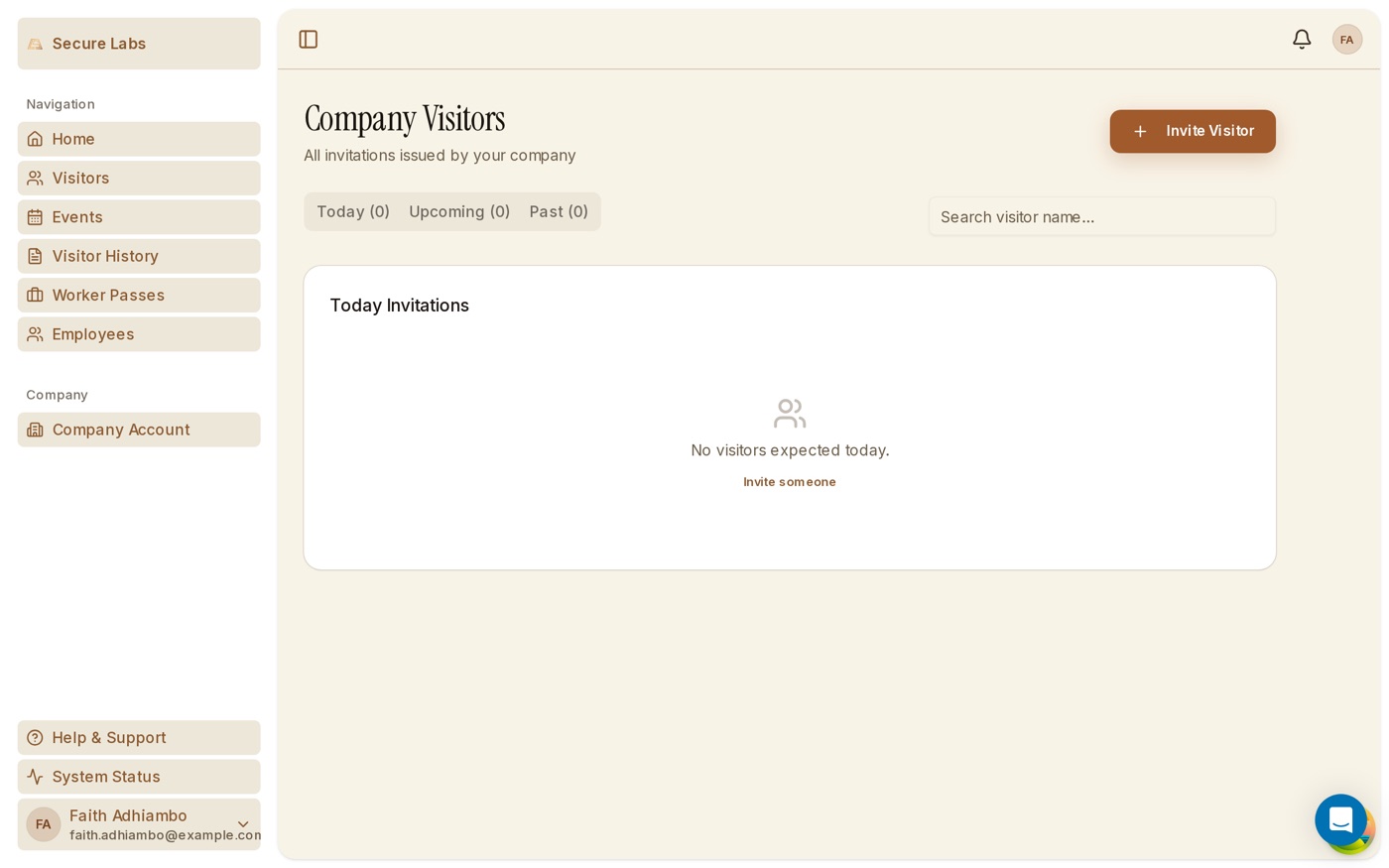
Company visitor management screen listing staff-issued passes and visitor arrivals for an office tenant
Company visitor management — the passes and arrivals you control
Request the company brief Book a walkthrough
Company questions

Before you ask.

Whose data is it — ours or the building's?+
Yours. Each company tenant signs its own agreement with Secure Labs as processor, and your visitor data and staff records belong to you — kept separate from other tenants and from building management.
What happens when an employee or contractor leaves?+
Access ends automatically. Contractor passes expire at their set time, and a leaver's access is revoked at close of business — no manual clean-up, and every change is on the audit record.
How is it billed for a multi-tenant building?+
The landlord pays one flat monthly fee scoped to the building size; there is no per-tenant fee on top of the building rate. See the pricing page for the rate card.
See all questions